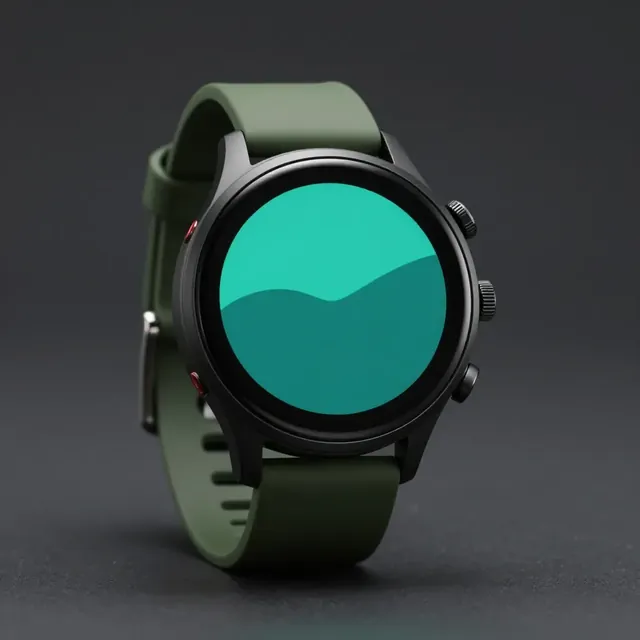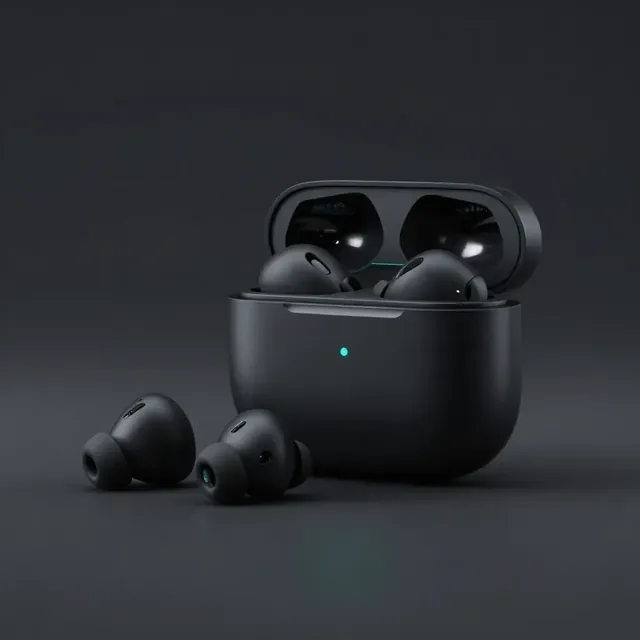
−25% $199$149
Studio Wireless Headphones
Noise cancelling · 40 h battery
A countertop tablet that presents your products on its own, with prices you change from your phone. A TV with the menu. A screen at the entrance. Choose by location, not by technology.
Sample products and prices.
Screen types
Same software, same phone to change everything. Only the spot changes — and how far away your customer stands.
At the till or next to a product. It presents your products one after another, each with a photo and a price.
Shops, pharmacies, cafés
A small tablet at eye level with a single product and its price. Change the price without printing new labels.
Electronics, wine, cosmetics
The menu or today’s offer, readable from across the room. Best behind the counter or above the till.
Restaurants, fast food, bakeries
A TV mounted upright, in the window or by the door, that catches the eye from the street.
Showrooms, fashion stores
Any orientation
Mount the tablet however the spot needs: lying on the counter, standing by the door, or flipped to hide the cable. The image lines up correctly in every position.
Why a tablet
A TV is great for things that need to be seen from a distance. But at the shelf or the till — where the customer stands half a metre away and makes up their mind — a tablet has real advantages.
On the counter, next to a shelf, on a pillar. A TV needs a whole wall; a tablet needs a palm’s width.
It has its own battery, so the screen keeps running through a short outage. A TV goes dark instantly.
A tablet uses several times less power than a TV, even when it runs all day.
Screen, Wi-Fi and processor in one device. No separate player, no HDMI cable.
It sits at eye level, right where the customer chooses: next to the product or at the till.
A smart plug keeps the battery between 20% and 85%, so the tablet doesn’t swell after months of use.
| — | Tablet | TV | Printed poster |
|---|---|---|---|
| Best spot | Counter, shelf, till | Wall, seen from afar | Window, wall |
| Changing a price | From your phone, ~30 s | From your phone, ~30 s | Print it again |
| Video and animation | Yes | Yes | No |
| During a power cut | Stays on | Goes dark | — |
| Power use | Very low | High | None |
| Read from | Up close | A distance | Up close |
In short: a tablet where the customer decides, a TV for what needs to be seen from afar. Many businesses use both.
Cost
Classic digital signage means professional displays, a separate media player for every screen and, often, an installer. With a tablet, most of that goes away.
Ideas
A tablet next to every key shelf, with the product and its price. A portrait display at the entrance with this week’s promotion.
The TV behind the counter shows today’s menu. A tablet at the till shows the dessert or the lunch deal.
A tablet at the counter with seasonal recommendations. A display in the window with this month’s campaign.
FAQ
Send us a few products and prices. We’ll build a showcase like the one above, with yours.